The problem
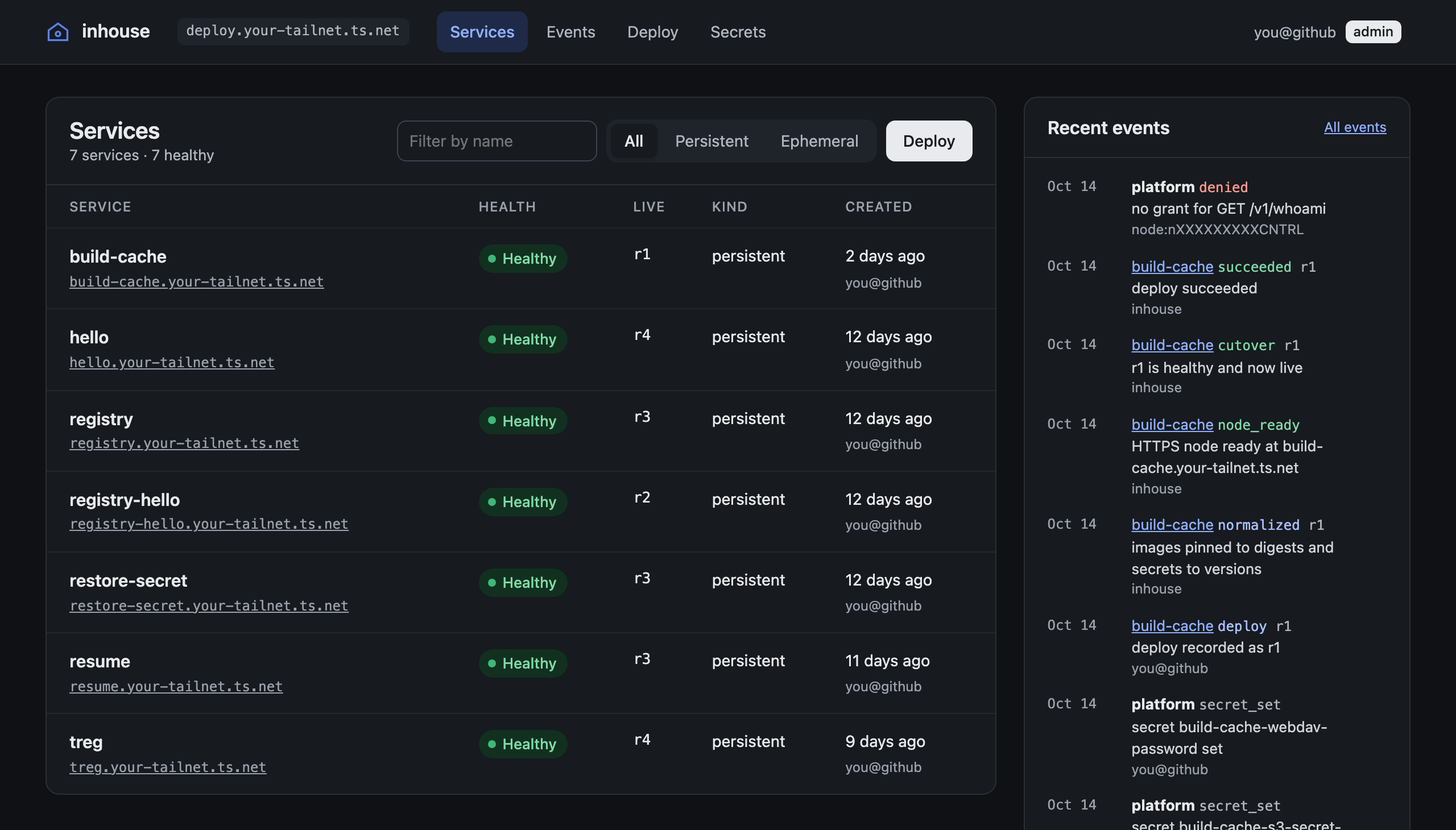
An agent can prototype a working app in an afternoon. Getting it in front of anyone is where the idea stalls. Someone has to pick a cloud provider, set up an account, wire up DNS and certificates, put a login in front of it, and then pay for it every month, even if it was only ever a prototype.
inhouse takes all of that off the table. The agent builds the app, deploys it to a machine you already own, and hands you a link. The link works with a real certificate, only for the people and devices you’ve allowed, and there’s no new bill for each idea you try.
How it works
From a prototype to a link.
Select a step, or watch the flow run.
A stack lists the containers to run, the port to serve, any volumes and secrets, and optionally a time to live. That is everything inhouse needs to know.
name: preview-hello
ttl: 6h
containers:
  web:
    image: docker.io/traefik/whoami:v1.10
    port: 80
    health:
path: /healthPlanning diffs the stack against what is live and returns warnings, without changing anything.
{
  "after": {
    "web": {
      "env_keys": [],
      "image": "docker.io/traefik/whoami:v1.10",
      "port": 80,
      "resources": { "cpus": 1, "memory": "512Mi" }
    }
  },
  "before": {},
  "exists": false,
  "expose": "tailnet",
  "may_apply": true,
  "service": "preview-hello",
  "ttl": "6h",
  "update_strategy": "rolling",
  "warnings": [
    "Mutable image tags are resolved to digests at deploy time."
  ]
}Images are pinned to exact digests, the new pod starts, and every container must pass its health check three times in a row. Only then does traffic move, in one atomic swap.
deploy preview-hello: operation 126b92f0-682d-4130-89e9-8ce1256f7b4b (idempotency key 000fa646-2b68-425b-97ed-afb8182f718a)
{
  "operation": {
    "operation_id": "126b92f0-682d-4130-89e9-8ce1256f7b4b",
    "kind": "deploy",
    "service": "preview-hello",
    "rev": 1,
    "state": "succeeded",
    "reason": ""
  },
  "url": "https://preview-hello.your-tailnet.ts.net"
}The app comes up at its own HTTPS name on your tailnet, reachable only by the people and devices your Tailscale policy allows.
Hostname: svc-preview-hello-r1
GET / HTTP/1.1
Host: preview-hello.your-tailnet.ts.net
Tailscale-User-Login: you@github
Tailscale-User-Name: Your Name
X-Forwarded-Proto: https
People deploy with the inhouse CLI or the web console. Agents use the MCP server built into the daemon, with the same tools and the same permission checks. The tools are written for agents: they return compact JSON, and when a call fails, the error names the next call to make, such as which operation to wait on when a service is busy.
Tailscale is the front door
Most platforms need an edge, TLS certificates, user accounts, API tokens, a permission system and firewall rules. Tailscale already provides all of those, so inhouse uses it for every one and has no public ports, no accounts and no tokens of its own.
Authentication comes from the tailnet. When a request reaches the control node, inhouse asks Tailscale who sent it. A person is their login. A tagged device, like a server or an agent, is its node ID, and never inherits a person’s permissions.
Authorization lives in the tailnet policy file. Each caller gets grants under a capability you name, with a role (viewer, deployer or admin), the service names it covers, how a service may be exposed, and a maximum time to live. A deploy goes through only if one grant covers all of them.
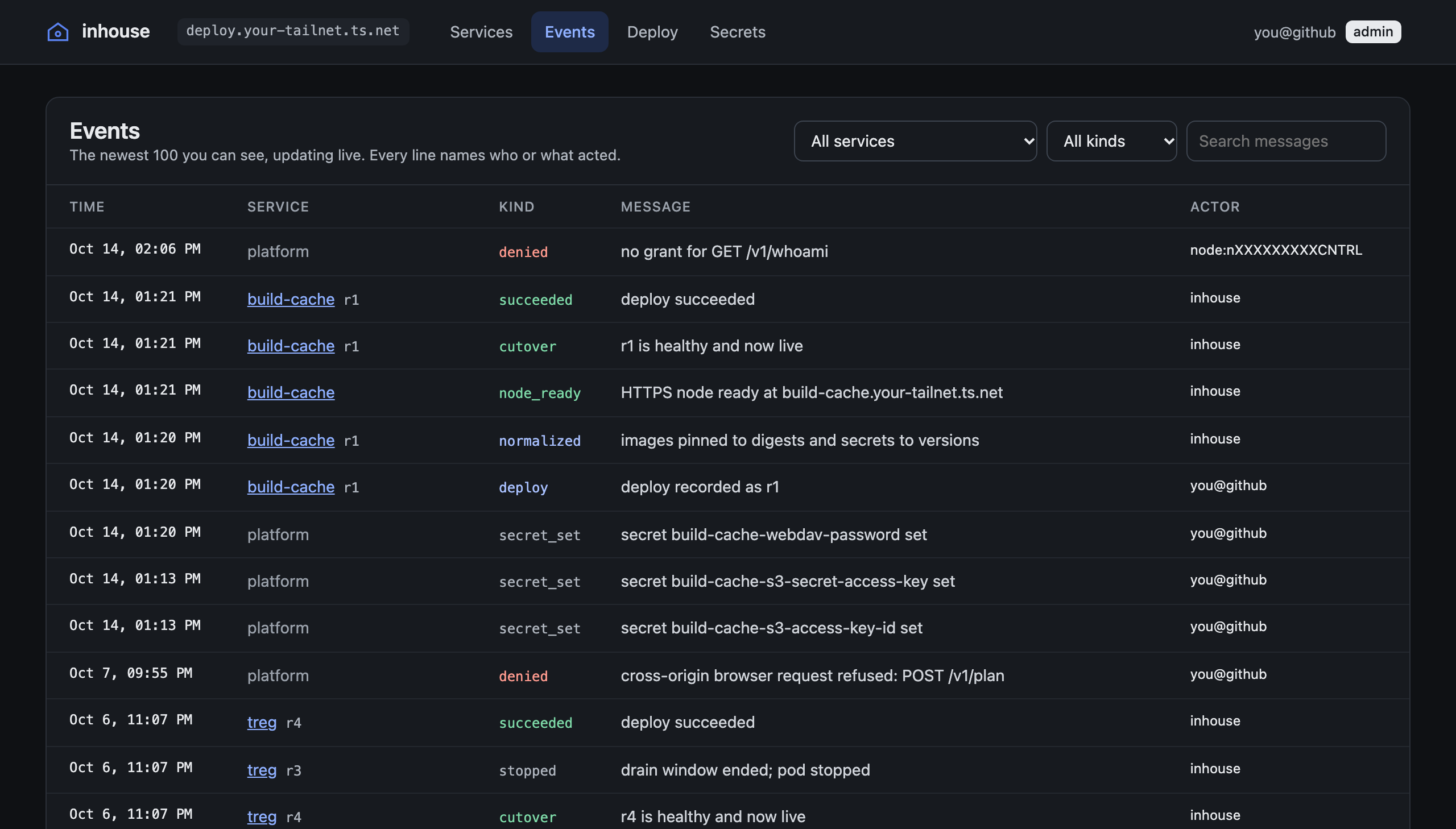
That’s what lets agents have their own, narrower permissions. inhouse mcp-agent joins the tailnet as a fresh, ephemeral device tagged as an agent, so the platform sees the agent rather than you. A typical grant lets an agent create only preview-* services that expire within a day. Every call it makes is recorded as an event attributed to it, so the event log doubles as the audit log.
The apps get identity for free too. Before forwarding a request, the edge strips any identity headers the client sent and sets Tailscale-User-Login and Tailscale-User-Name from Tailscale itself. A private app can trust them and skip writing login code.
The daemon is the control plane
inhouse is one Go daemon, inhoused, on one Linux host. It runs the control node at deploy.<tailnet>.ts.net, which serves the API and the MCP server, and it manages a tailnet node for every service. On a service’s first deploy, it mints a single-use auth key and brings up a new node inside its own process, which gives the service its own domain and certificate. Tailscale may suffix a name that’s already taken, so inhouse records and reports the name it actually got.
SQLite holds what should exist, and Podman and the tailnet hold what does. A reconciler closes the gap whenever it’s nudged and every 30 seconds. Requests never do slow work themselves. A deploy validates the spec, checks permissions, records a pending revision and an operation in one transaction, and returns. State is always written before the action it describes, and every action is idempotent, so a crash or a reboot at any point is picked up by the next pass. There’s no separate recovery procedure.
Each service node is a reverse proxy whose upstream is a single atomic pointer. Cutting over to a new revision is one pointer store: new requests go to the new pod, and requests in flight finish on the old one.
Safe to hand to an agent
An agent deploying on its own needs a platform that’s hard to break by accident.
- A failed deploy never touches the live revision. If pulling, starting or health checking fails, the candidate is stopped and its last log lines are saved as an event.
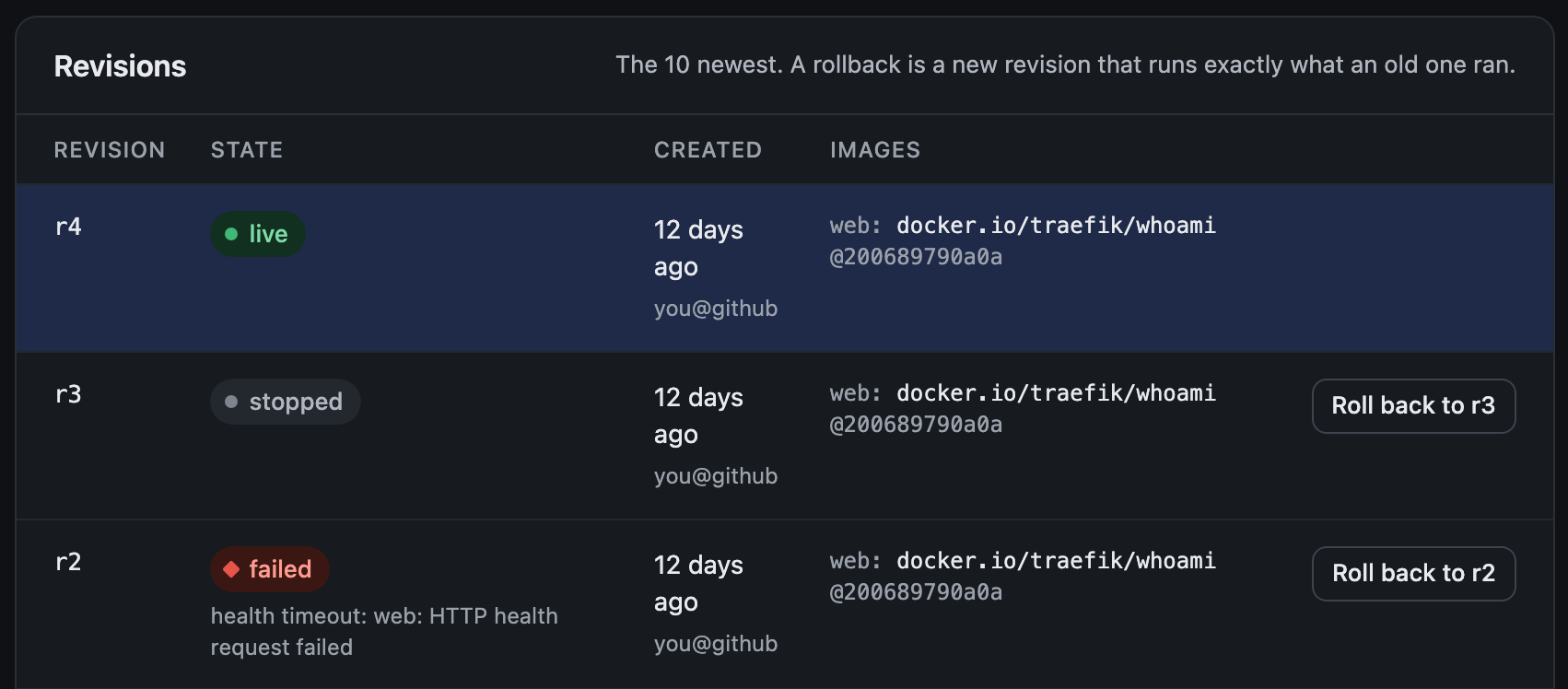
- Rollbacks create a new revision from an old one. Because images are pinned to digests, a rollback runs exactly the bytes that ran before.
- Each service runs one operation at a time. A second deploy is refused with the running operation’s ID, and an idempotency key makes retries safe.
- A stack with
ttl: 6hcleans itself up. The service, its data and its tailnet device disappear on their own. - Secrets are encrypted and write-only. No API returns them, and every current and past value is redacted from logs.
- Each service runs as rootless Podman with its own range of user IDs, so a container escape lands as an unprivileged, per-service user.
Where it stops
inhouse is alpha software, and it’s deliberately small. It runs on one host, with no clustering and no multi-tenancy. It serves HTTP(S) only, with one ingress port per service. Every tailnet node lives in the daemon’s process, so restarting inhoused briefly interrupts HTTPS for every service, even though the containers keep running. Services with volumes stop their old revision before the new one starts, which means a few seconds of downtime per deploy.